Automated workflows for teams and traditional task management represent two fundamentally different approaches to getting work done. Every team lead faces the same tension: you need visibility into who's doing what, but you also need processes that run without constant supervision. Task management tools give you lists, boards, and assignments.
Workflow automation connects those tasks into intelligent sequences that trigger actions, route approvals, and eliminate manual handoffs. Understanding the distinction between these approaches directly impacts team productivity and how you allocate your time as a manager.
Choosing the wrong approach, or conflating the two, leads to bottlenecks that frustrate everyone. This comparison breaks down exactly where each approach shines, where it falls short, and how the two can work together.
Key Takeaways
- Task management organizes work; workflow automation executes and connects that work automatically.
- Teams using automation reduce manual handoff errors by up to 30 percent.
- Task management tools are best for ad-hoc projects with unpredictable steps.
- Workflow automation delivers the highest ROI for repetitive, multi-step processes.
- Combining both approaches gives team leads the strongest operational control.
Defining the Two Approaches
What Task Management Covers
Task management is the practice of tracking individual units of work from creation to completion. Tools like Asana, Trello, and Monday.com let you assign tasks, set due dates, attach files, and monitor progress through boards or list views. The focus stays on the individual item: who owns it, when it's due, and whether it's done. For many teams, this is the starting point for getting organized.
The strength of task management lies in flexibility. A marketing manager can create a one-off task for a blog review, a design request, or a vendor follow-up without needing to define a broader process. There's no required sequence. Anyone can create, reassign, or close a task at any time. This makes task management ideal for creative teams, cross-functional projects, and situations where work doesn't follow a predictable pattern every time.
Read also AI Video Narration vs Human Voiceover: Key Differences
However, task management tools don't move work forward on their own. Someone has to remember to update a status, notify the next person, or check whether a prerequisite was completed. As teams grow, this manual coordination becomes a bottleneck. Tasks pile up, notifications get ignored, and the manager ends up chasing updates instead of making decisions.
If your team spends more than 20 percent of its time updating task statuses manually, that's a signal you need automation.
What Workflow Automation Covers
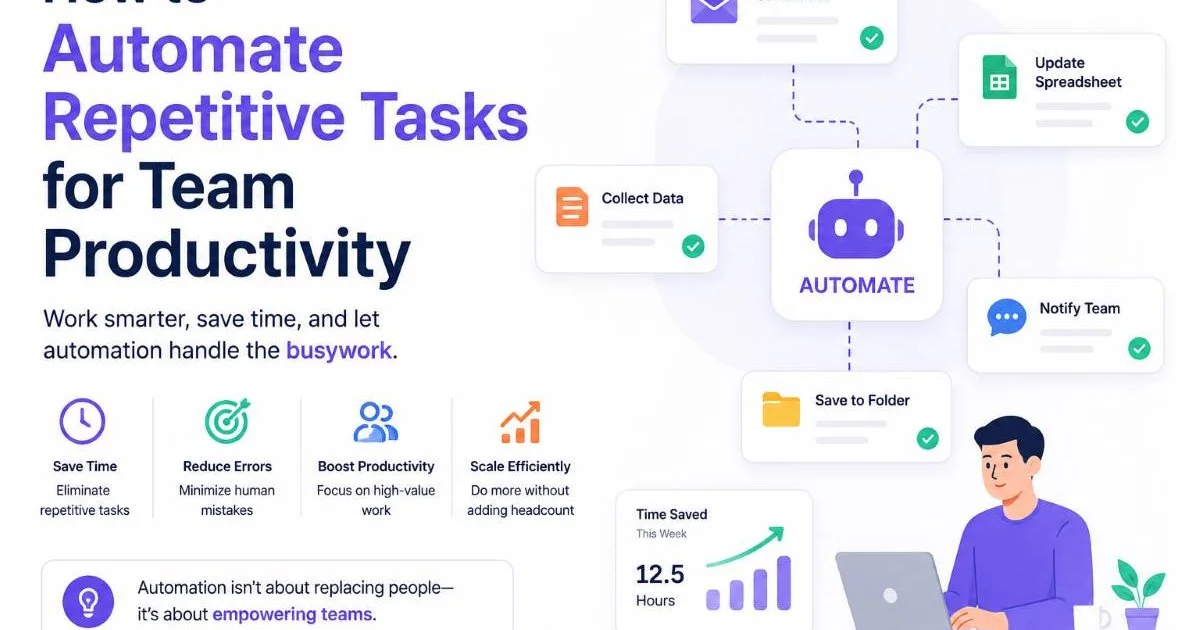
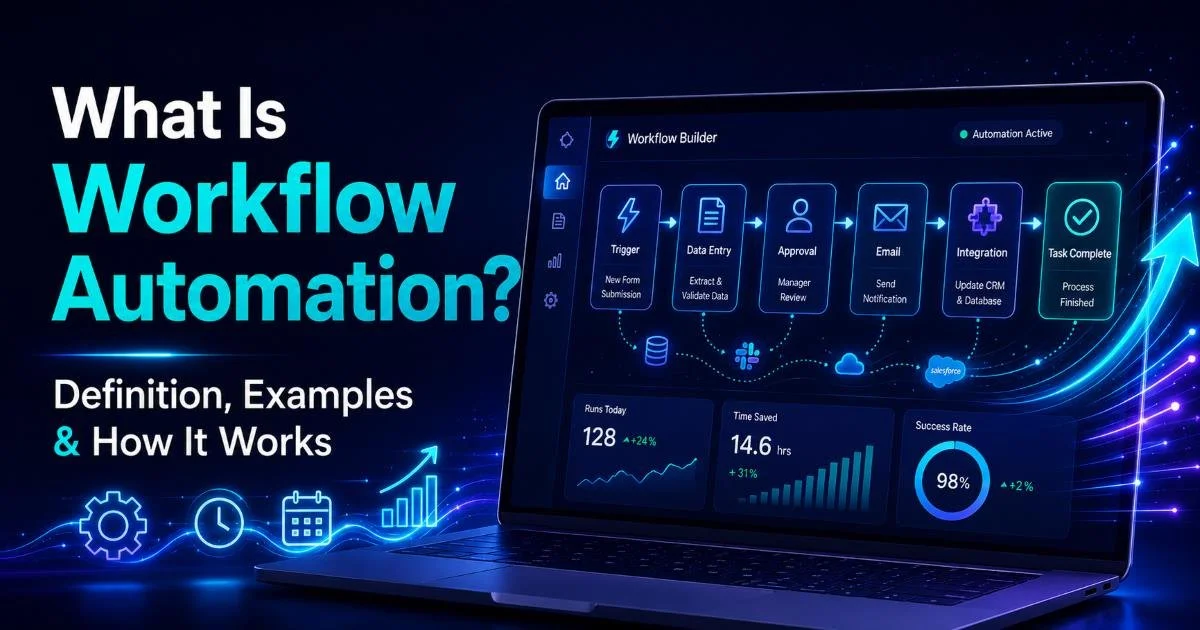
Workflow automation takes a defined process and runs it without human intervention at each step. If you want a thorough explanation, our guide on what workflow automation is, with definitions and examples, covers the fundamentals. In practice, automation means that when a trigger occurs (a form submission, a status change, a calendar event), a sequence of actions fires automatically: assigning the next task, sending a notification, updating a database, or routing an approval request.
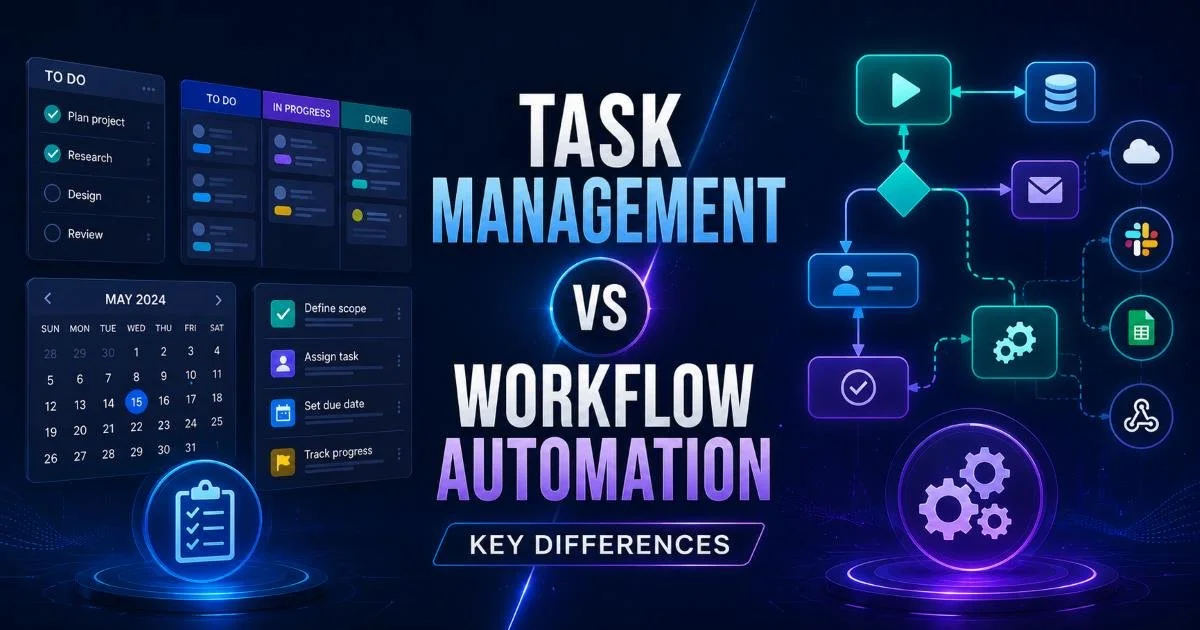
The core difference is intent. Task management asks "what needs to be done?" Workflow automation asks "what happens next, and who needs to act?" Automated workflows for teams connect tasks into chains where the output of one step becomes the input for the next. This eliminates the gap between task completion and the start of dependent work, which is where most delays actually live.
Workflow automation platforms range from simple tools like Zapier and Make to enterprise solutions like ServiceNow and Power Automate. Many task management platforms now include basic automation features, which blurs the line. But native automations in task tools typically handle only simple rules (like "when status changes to Done, notify the project lead"), while dedicated automation platforms can orchestrate complex, multi-step processes across multiple applications.
Head-to-Head Comparison Across Key Criteria
Setup Complexity and Learning Curve
Task management tools are designed for fast adoption. Most teams can set up a project board in under an hour. The learning curve is gentle because the metaphor is familiar: lists, cards, due dates. You don't need technical skills to get started. This is why task management remains the default for small teams and managers who need quick wins without IT support.
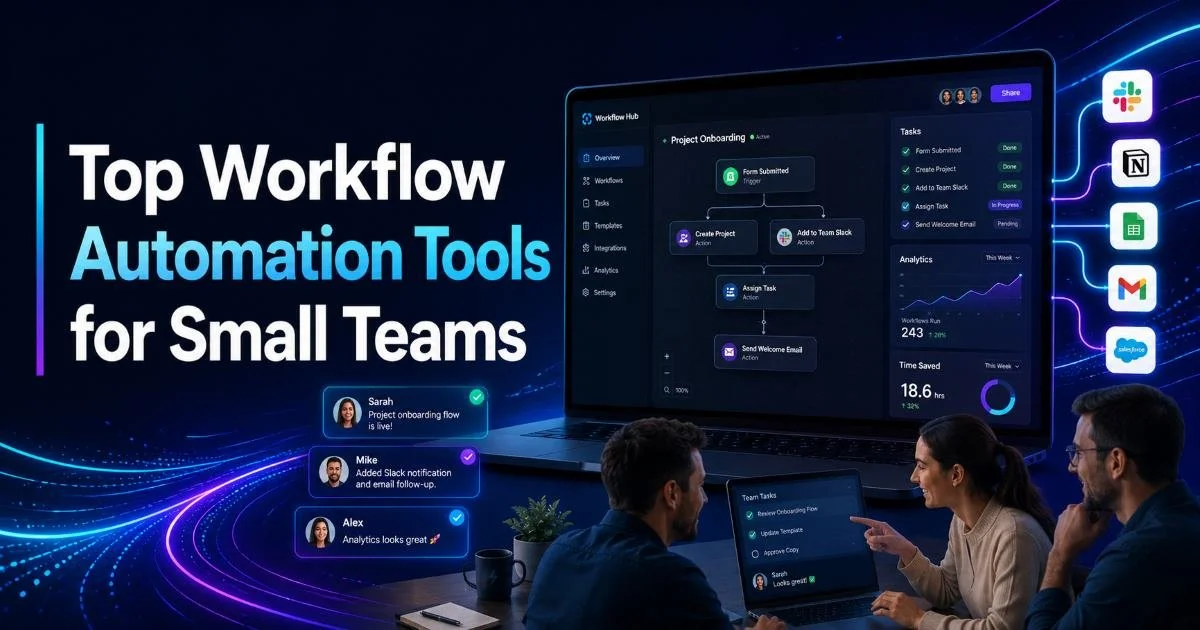
Workflow automation requires more upfront investment. You need to map out a process before you can automate it, which means identifying triggers, conditions, and actions. For teams evaluating their options, our roundup of top workflow automation tools for small teams provides a solid starting point. The initial setup takes longer, but the payoff compounds over time. A well-built workflow runs hundreds of times without additional effort, while a task board requires constant manual upkeep.
Scalability and Long-Term Value
Task management scales linearly. Double your team size and you roughly double the coordination overhead. More tasks mean more notifications, more status meetings, and more time spent asking "where does this stand?" The tool itself scales fine; the human effort to keep it useful scales poorly. This is a real problem for growing teams that outpace their processes.
Workflow automation scales logarithmically. Building the first automated workflow takes significant effort, but each subsequent automation reuses patterns, integrations, and templates. A ten-person team and a fifty-person team can use the same automated onboarding workflow. When you automate repetitive tasks for team productivity, the gains multiply as volume increases. Integration with API management tools further extends automation reach by connecting disparate systems into unified process chains.
Automation doesn't replace task management. It enhances it. Most mature teams use both, with automation handling structured processes and task boards managing exceptions.
Impact on Team Collaboration and Productivity
Visibility and Accountability
Task management tools provide strong individual accountability. You can see who owns what and whether deadlines are being met. Dashboards and reports show workload distribution, overdue items, and completion rates. For managers who need to run standups or provide weekly status reports, this visibility is valuable and immediate. The data is there as long as people keep their tasks updated.
Workflow automation adds process-level visibility. Instead of just knowing that Task B is assigned to Sarah, you can see that it was automatically assigned because Task A was completed by James, and the approval from the VP was received at 2:14 PM. This audit trail matters for compliance, debugging delays, and understanding where bottlenecks actually form. Understanding how automated workflows improve team collaboration shows why this process-level transparency changes team dynamics.
The accountability model also shifts. In task management, accountability rests on individuals updating their own status. In workflow automation, the system enforces accountability by not advancing the process until the required action is taken. This removes the need for managers to chase updates and lets team collaboration happen within the flow of work rather than in separate status meetings.
"The best teams don't choose between managing tasks and automating workflows; they use task management for flexibility and automation for consistency."
Error Reduction and Consistency
Manual task management introduces variability. Different team members interpret instructions differently, skip steps, or forget to update dependencies. A 2022 study by McKinsey found that knowledge workers spend 28 percent of their week managing email alone, much of which involves coordinating handoffs that automation could handle. When every handoff requires a human decision, errors accumulate.
Automated workflows enforce consistency by design. Every instance of a process follows the same path, with the same validations and the same notifications. If your client onboarding process has twelve steps, automation guarantees all twelve happen in order, every time. No steps get skipped because someone was busy or forgot. This consistency is particularly important for teams handling compliance-sensitive work or high-volume operations.
When to Use Each Approach
Best Scenarios for Task Management
Task management shines when work is unpredictable, creative, or one-off. If your team handles ad-hoc requests, brainstorming sessions, or projects where the scope evolves as you go, rigid automation would be counterproductive. A product design sprint, an event planning project, or a research initiative benefits from the flexibility of a task board where priorities can shift daily without breaking a predefined process.
Small teams with fewer than five people often get more value from task management alone. At that scale, coordination overhead is low, and the cost of building automated workflows may not justify the time savings. The decision should be practical. If your team can handle handoffs through quick conversations and a shared board, adding automation introduces complexity without proportional benefit.
Best Scenarios for Workflow Automation
Automation delivers the most value for processes that are repeated frequently, involve multiple people or systems, and follow a consistent sequence. Employee onboarding, invoice approvals, bug triage, content publishing pipelines, and customer support escalations are all strong candidates. If a process runs more than ten times per month and involves three or more handoffs, automation will almost certainly save time and reduce errors.
Teams that span multiple departments or rely on external tools (CRMs, ticketing systems, cloud storage) benefit disproportionately from workflow automation. The real friction in cross-functional work isn't within a single task; it's the transition between tasks owned by different people using different tools. Automation bridges those gaps without requiring everyone to use the same platform or remember the same handoff procedures.
Don't automate a broken process. Map and optimize your workflow first, then automate it. Automating inefficiency just makes mistakes happen faster.
Frequently Asked Questions
?How do I know when to switch from Asana or Trello to workflow automation?
?Can task management tools and workflow automation run together on the same team?
?How long does it take to see ROI after setting up automated workflows for a team?
?Is it a mistake to use workflow automation for unpredictable or one-off projects?
Final Thoughts
Task management and workflow automation are not competing solutions. They address different needs at different stages of team maturity. Start with task management to get visibility, then introduce automation where you see repetitive patterns creating drag on your team.
The managers who get this right treat task boards as their command center and automated workflows as their execution engine. That combination gives you both the flexibility to handle surprises and the consistency to scale what works.
Disclaimer: Portions of this content may have been generated using AI tools to enhance clarity and brevity. While reviewed by a human, independent verification is encouraged.