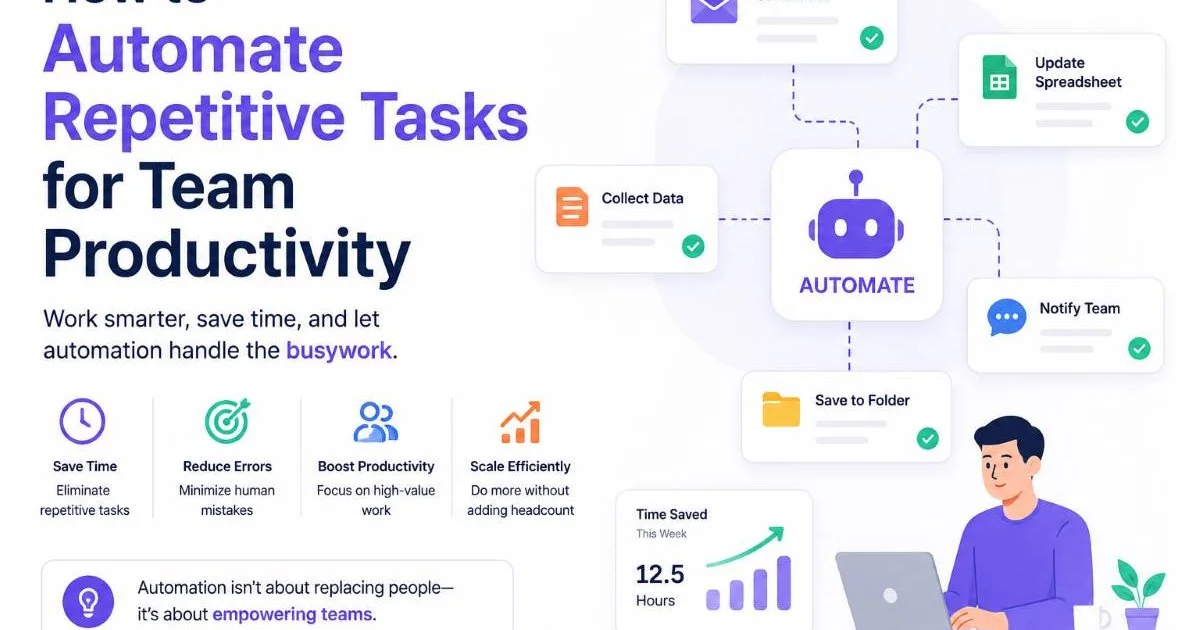
Automated workflows for teams represent a structured approach to organizing, assigning, and tracking work without manual intervention at every step. When a team lead sets up a workflow that automatically routes tasks, sends reminders, and escalates overdue items, they remove the friction that causes projects to stall.
For managers juggling multiple projects, the difference between a team that hits deadlines consistently and one that scrambles comes down to how well their processes are defined and enforced. The stakes are real: missed handoffs cost time, unclear ownership breeds frustration, and manual follow-ups eat into hours better spent on strategic work.
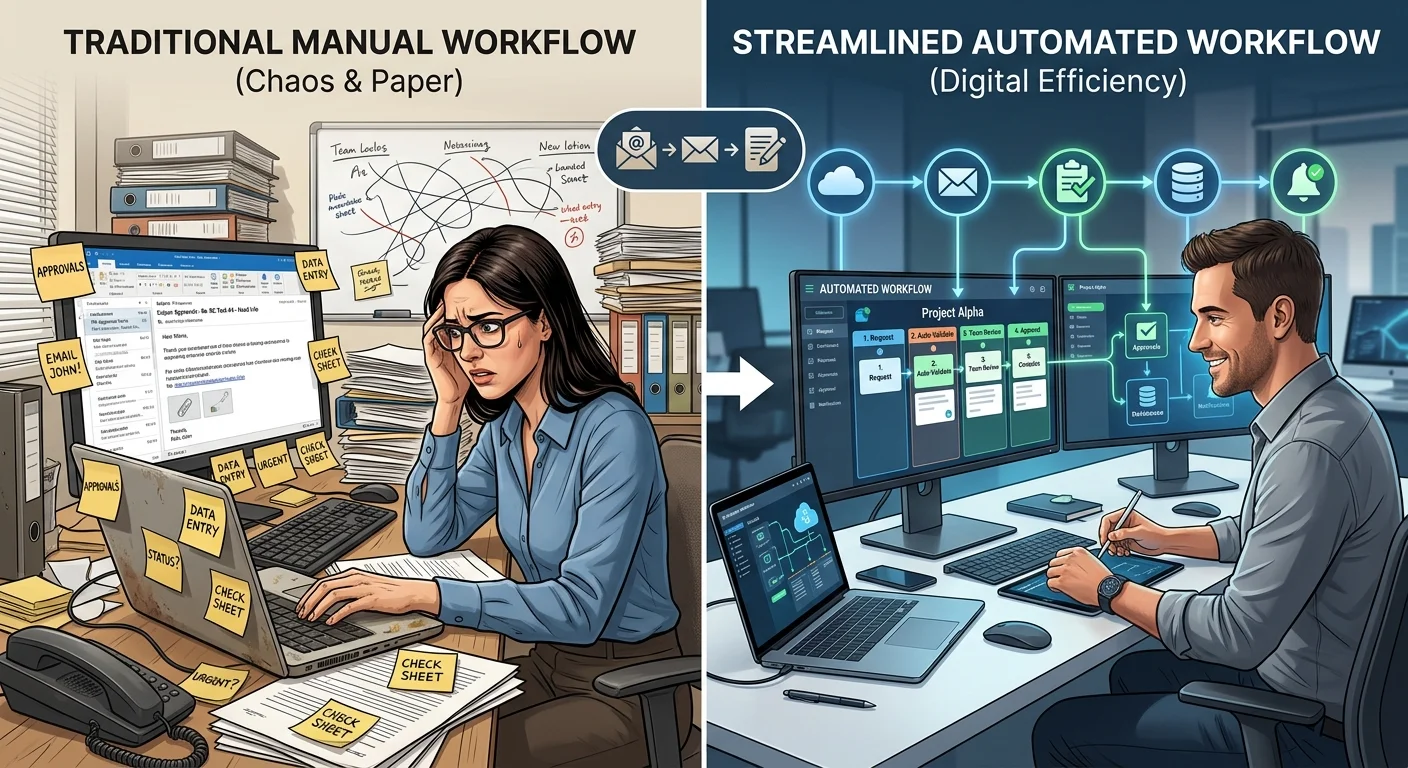
Automated workflows for teams address all three problems simultaneously. By building repeatable, trigger-based processes, managers can shift their focus from chasing updates to coaching their people. This article explains what these workflows actually are, how they function, when they matter most, and how to start implementing them today.
Key Takeaways
- Automated workflows for teams replace manual handoffs with trigger-based task routing and notifications.
- Team accountability improves when ownership and deadlines are assigned automatically, not verbally.
- Workflow automation tools reduce repetitive administrative work by up to 30% for managers.
- Automation works best when layered on top of a clearly defined, documented process.
- Starting small with one repeatable workflow delivers faster results than automating everything at once.
What Are Automated Workflows for Teams?
At its core, a workflow is a sequence of steps that moves a piece of work from initiation to completion. Kissflow defines a workflow as a series of tasks processed in a particular order to achieve a business outcome. When you automate that sequence, software handles the routing, notifications, and status updates that a person would otherwise manage by hand. The result is a system that operates consistently regardless of who is on vacation, who forgot to check their inbox, or who assumed someone else was handling a task.
Automated workflows for teams go beyond individual task tracking. They connect people across functions, creating visibility into who owns what and when it is due. A marketing team, for example, might automate the content approval process so that a draft automatically moves from writer to editor to legal review without anyone sending a single "Hey, this is ready for you" message. Each person sees the task appear in their queue exactly when it is their turn.
The Anatomy of a Workflow
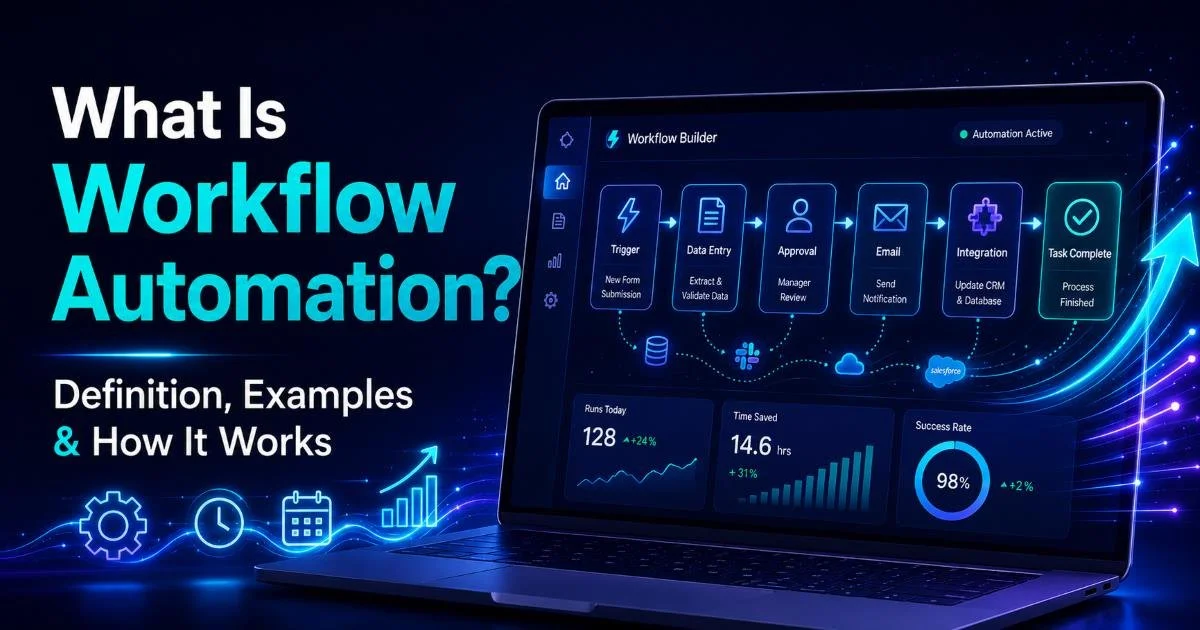
Every workflow consists of three components: a trigger (the event that starts the process), a series of actions (the steps that follow), and conditions (the logic that determines which path the work takes). A simple example is a new employee onboarding workflow triggered by an HR system entry, which then assigns equipment requests to IT, training modules to the manager, and access permissions to the security team, all without a single email chain.
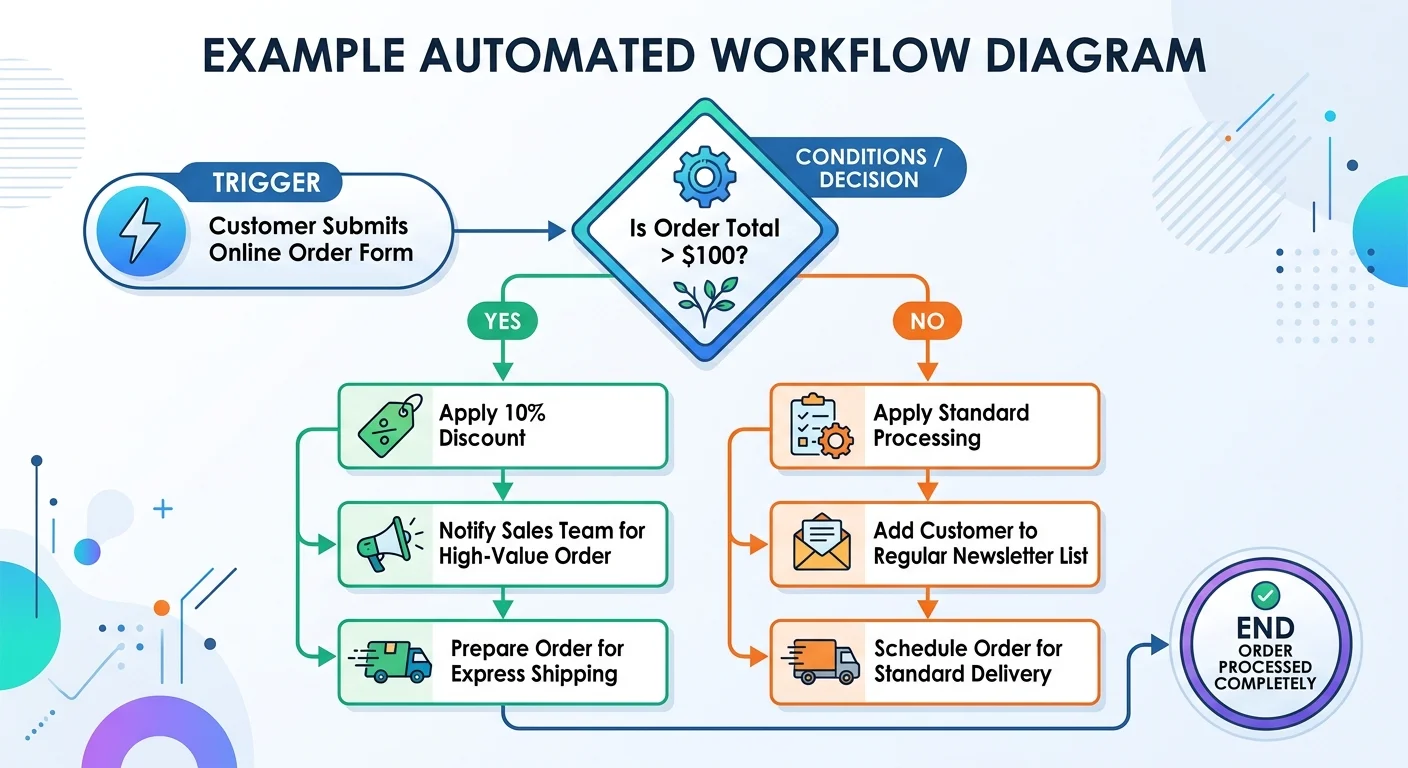
Understanding this structure matters because it reveals where automation adds value and where human judgment is still needed. Conditions act as decision points. When a support ticket is marked "urgent," the workflow might skip the standard queue and route directly to a senior agent. These branching paths let teams handle exceptions without abandoning the broader automated process.
How Workflow Automation Works in Practice
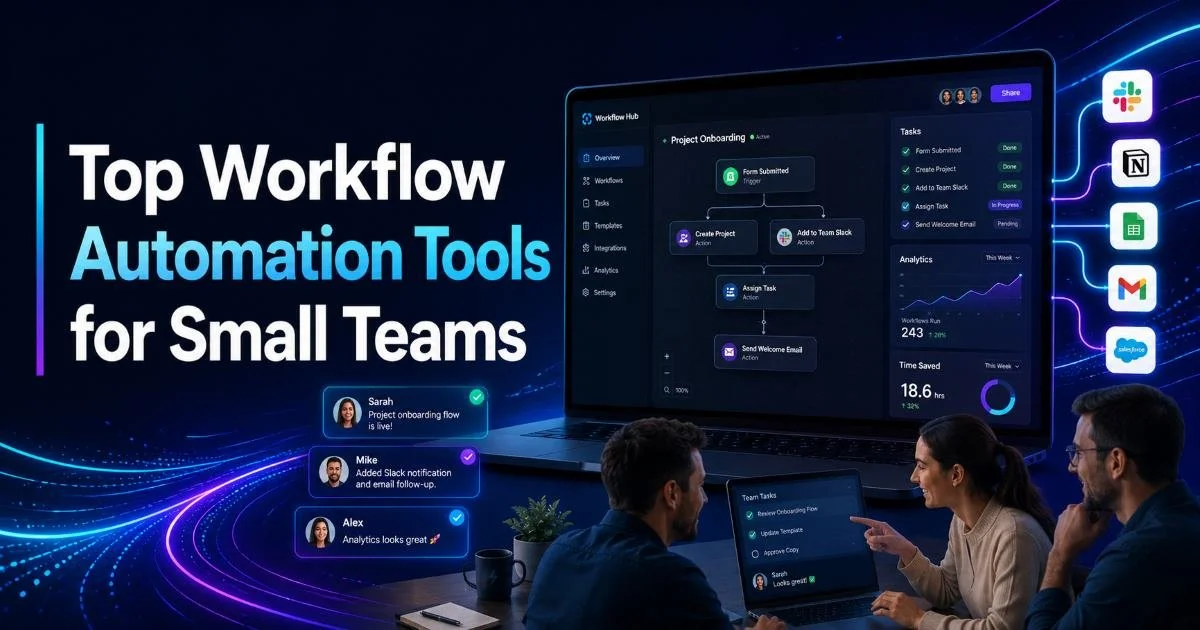
Setting up team productivity automation starts with documenting an existing process. You cannot automate what you have not defined. Most teams begin by mapping their most repetitive, error-prone process, something like client onboarding, bug triage, or weekly reporting. Once the steps, owners, and decision points are clear, the workflow can be built inside a tool that supports automation rules. If you are evaluating options, our guide to top workflow automation tools for small teams in 2024 breaks down the leading platforms by feature set and team size.
Start by automating a workflow your team runs at least weekly. Frequency amplifies the time savings of automation.
Triggers, Conditions, and Actions
Triggers can be time-based (every Monday at 9 AM), event-based (when a form is submitted), or status-based (when a task moves to "In Review"). Conditions filter the workflow into the right branch. Actions are what the system does: assign a task, send a notification, update a field, or create a calendar event. Most workflow automation tools let you build these with drag-and-drop interfaces, no code required.
Consider a design team that receives creative requests from sales. Without automation, requests come in via Slack, email, and hallway conversations, making prioritization impossible. With an automated workflow, every request enters through a single form. The system assigns a priority score based on deal size, routes the task to the next available designer, and notifies the requester with an estimated completion date. This is how you automate task assignments in a way that actually sticks.
The technical side has also become more accessible. Even the development tools teams use for coding now support automation features. The trend is clear: automation is becoming embedded in every layer of how teams work, from code editors to project boards. Teams that learn to automate repetitive tasks for team productivity gain back hours each week that compound over months.
Why Automated Workflows Matter for Team Coordination
The primary reason automated workflows matter is that they improve team accountability by making ownership explicit and visible. When a workflow assigns a task to a specific person with a specific deadline, there is no ambiguity. The system logs when the task was assigned, when it was opened, and when it was completed. This transparency changes behavior. People follow through more reliably when they know the system is tracking progress, not just their manager's memory.
"Accountability is not about surveillance. It is about making the right next action obvious to everyone involved."
Beyond accountability, automated workflows reduce coordination costs. A 2022 McKinsey study found that employees spend roughly 28% of their workweek managing email and nearly 20% searching for information or tracking down colleagues. Automated workflows collapse much of that overhead by pushing information to the right person at the right time. Team task management becomes proactive rather than reactive, with fewer dropped balls and less time spent in status meetings.
Real-World Use Cases
A customer success team uses an automated workflow to handle renewal reminders. Ninety days before a contract expires, the system creates a renewal task, assigns it to the account owner, and sends the customer an email with their usage summary. If the task is not marked complete within 14 days, it escalates to the team lead. This process previously required a spreadsheet, manual calendar reminders, and a weekly check-in meeting. The automated version runs silently and reliably, and the team's renewal rate increased by 12% in the first quarter after implementation.
Engineering teams benefit too. When a bug is reported, an automated workflow categorizes it by severity, assigns it to the appropriate squad, and adds it to the sprint backlog if it meets a threshold. The way automated workflows improve team collaboration shows up clearly in cross-functional scenarios like this, where handoffs between teams are the most common failure point. Without automation, a critical bug might sit in a shared inbox for days before someone claims it.
Common Misconceptions and Related Concepts
The most common misconception about automated workflows for teams is that they require technical expertise to build. A decade ago, that was true. Today, platforms like Monday.com, Asana, and Zapier offer no-code automation builders that any team lead can configure. You do not need a developer to set up a rule that says "when a task status changes to Done, notify the project manager and move it to the Completed column." The barrier is not technical skill; it is the discipline to document your process first.
Automation amplifies whatever process you feed it. If your process is broken, automation will just break things faster and more consistently.
Another misconception is that automation replaces human judgment. It does not. Automated workflows handle the predictable, repeatable parts of work so that humans can focus on the parts that require creativity, empathy, or strategic thinking. A workflow can route a customer complaint to the right department, but a person still needs to craft the response. The goal is to remove administrative friction, not to remove people from the process.
Automation vs. Task Management
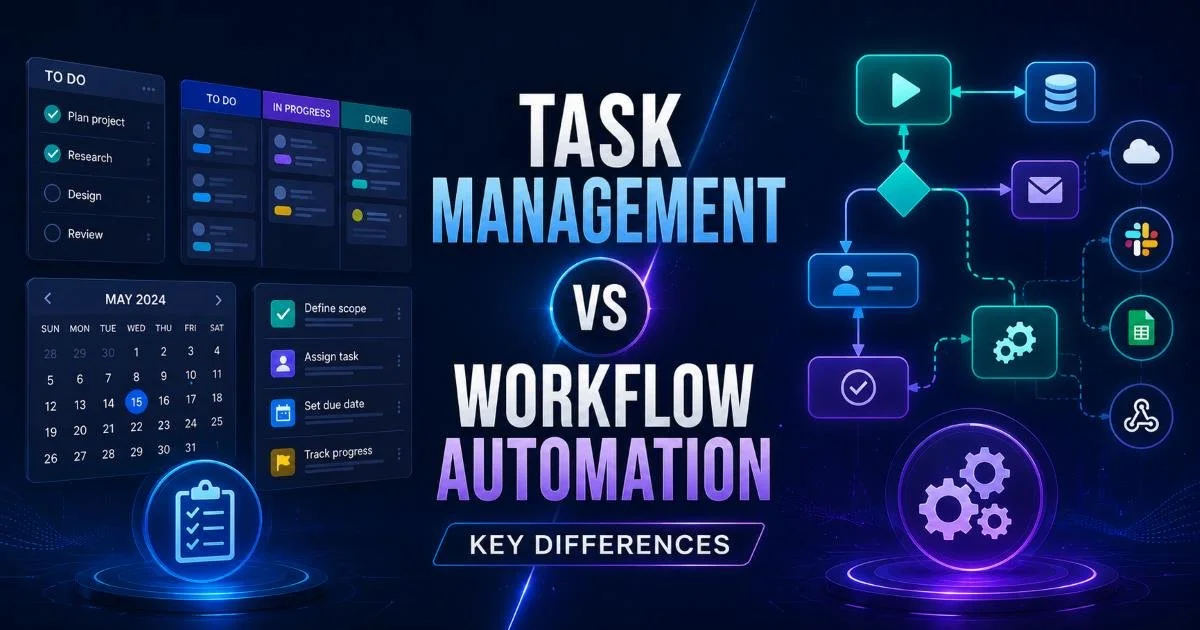
People often confuse task management with workflow automation, but they serve different purposes. Task management is about tracking individual items: what needs to be done, who owns it, and when it is due. Workflow automation is about defining and enforcing the sequence of steps that connects those tasks into a coherent process. You can manage tasks without automation (using a spreadsheet, for instance), but you cannot automate workflows without first understanding the tasks within them. For a deeper breakdown of how these two concepts differ and overlap, our article on task management vs. workflow automation covers the distinctions in detail.
It is also worth distinguishing workflow automation from business process automation (BPA) and robotic process automation (RPA). Workflow automation targets specific processes within a team. BPA takes a broader organizational view, connecting workflows across departments. RPA uses software bots to mimic human actions in legacy systems, like copying data between applications that do not have native integrations. For most team leads, workflow automation is the right starting point because it is scoped, measurable, and immediately impactful.
Frequently Asked Questions
?How do I identify the first workflow worth automating for my team?
?How is workflow automation different from basic task management tools?
?How long does it realistically take to see ROI from automating team workflows?
?Will automating workflows create problems if our underlying process is unclear?
Final Thoughts
Automated workflows for teams are not a futuristic concept or an enterprise-only luxury. They are a practical, accessible way to reduce coordination overhead, improve team accountability, and get more work completed with less friction.
Start with one process your team repeats weekly, document the steps, and build the automation. The compound effect of reclaimed hours, clearer ownership, and fewer dropped tasks will make the case for expanding automation across your entire operation.
Disclaimer: Portions of this content may have been generated using AI tools to enhance clarity and brevity. While reviewed by a human, independent verification is encouraged.